EQuIS Data Processor (EDP)

EQuIS Data Processor (EDP) is one of our most popular products: A critical tool for organizations that need to automate the receipt of field data, it’s used by hundreds of laboratories, consultants, and government organizations world-wide.

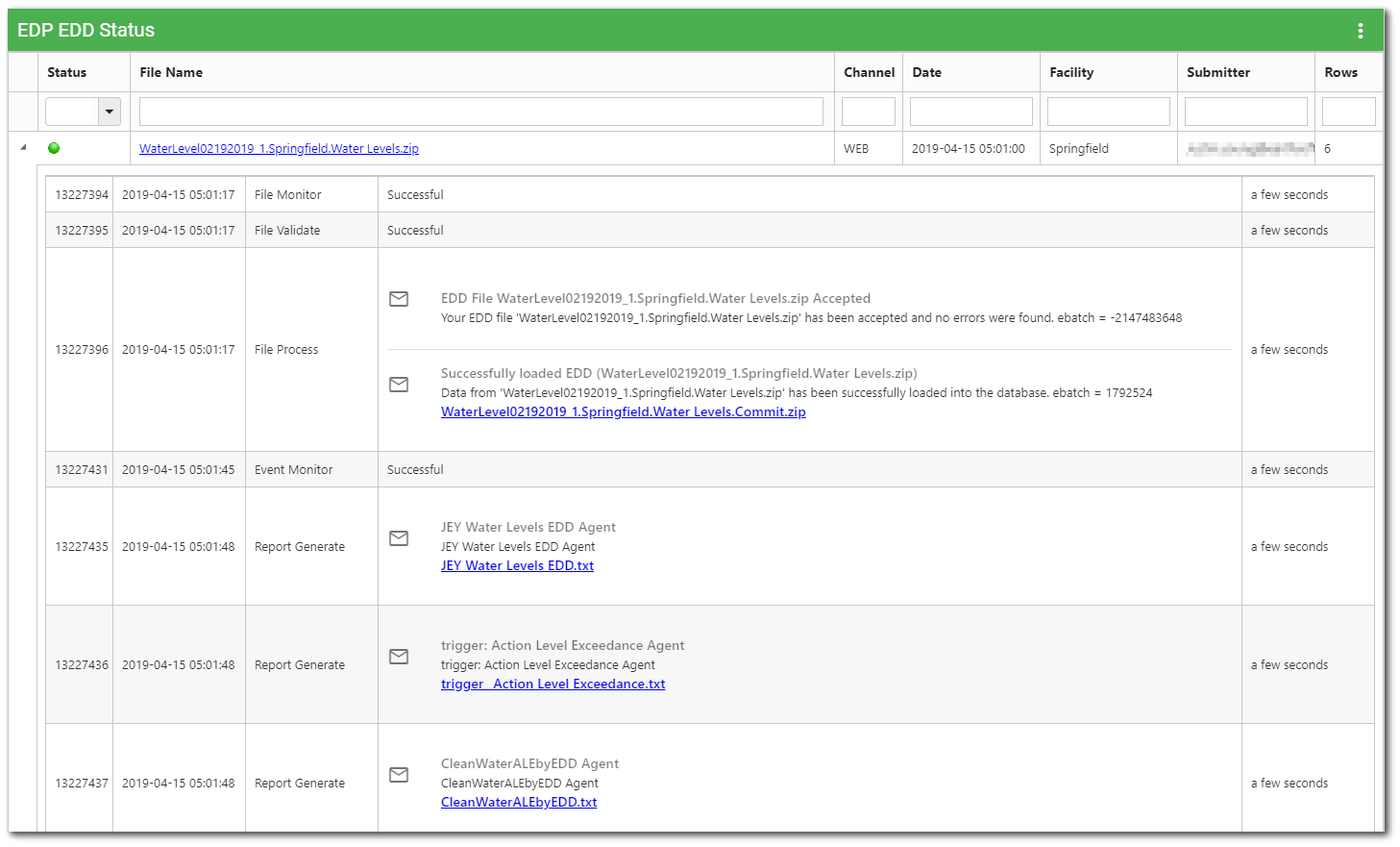
With EDP, all Electronic Data Deliverables (EDDs) are checked for formatting and valid values before being accepted into the EQuIS database. Problematic EDDs are rejected and flagged for specific errors, facilitating correction.

EDP Data Checking and Loading Modules

EDP (Standalone)

  • Includes all “standard” EDDs
  • Used by labs and field crews preparing data submissions
  • New/custom EDD formats can be developed at an additional cost

EDP (Distribution)

  • Unlimited license for distribution of EDP with your format
    to all of your labs and field crews
  • EDD should match EDD in Standalone EDP
  • CEDD formats can be developed at an additional cost

Enterprise EDP

  • Workflow automation processing EDDs via POP3 email, FTP,
    or Web portal on your server
  • Requires EQuIS 5 Server License (SQL Server or Oracle)

Enterprise EDP for Labs

 
EDD Formats

Create custom EDD formats, or contact EarthSoft to create EDDs for you.

Click here to access downloadable EDD Formats.

Standard Formats

  • EFWEDD (EQuIS 4 File Format)
  • ESBasic
  • EZEDD
  • EZLithology
  • GeologyEDD
  • ReferenceValues
  • WaterLevels
Licensed Formats

  • US EPA Regions 2, 3, 4, 5
  • Nebraska DEQ
  • US Navy
  • US Coast Guard
  • RUSS
  • RockWorks
  • WV DEP
  • SoilWater EDGE
  • Geotracker EDF

Data Workflow

EQuIS Data Processor (EDP)™
and Enterprise EDP provide workflow automation for Electronic Data Deliverable (EDD) checks and submissions.

EDP is the most widely used EDD checker in the world. EQuIS Data Gathering Engine (EDGE)™ and EDP manage multiple field and lab EDD formats, collecting data from dataloggers, tablets, laptops, or PDAs.

Plan ahead with EQuIS Sample Planning Module (SPM)™ and easily assign contracts, methods and labs before field activities -- and/or incorporate a Completeness Report for scheduled analyses.

Read more »


Build – Serve – Push Graphics and Reports

Build - Access standard and GIS reports in EZView™, create reports as you need them, and preview and export your data.

Serve - Create Pick Reports for your team members, so they can generate reports as they're needed.

Push - Monitor incoming data with Environmental Information Agents (EIA™), watch for triggers or specific dates, and generate email reports for posting to dashboards.

Read more »